



Products you buy through our links may earn us a commission. Oh, and if something's out of stock, oops, it was there (and all prices were accurate) at time of publication.

What I Tested...
The Skylight Calendar 2 - 15" ($319.99 with plan)
Plus plan ($79/year)
Why I Tested...
How I Tested...
We set the Skylight up on a table (instead of mounting it) and moved it around to a couple of different spots. It spent time in our kitchen with the shadow box frame and is now in our living/dining room. Every morning, the three of us took two minutes before school drop-off to look at the day. I used the rewards system with my daughter for her chores and routine. I also used the following Plus plan features: recipes, Magic Import, and the photo screensaver.
Skylight Test Results...
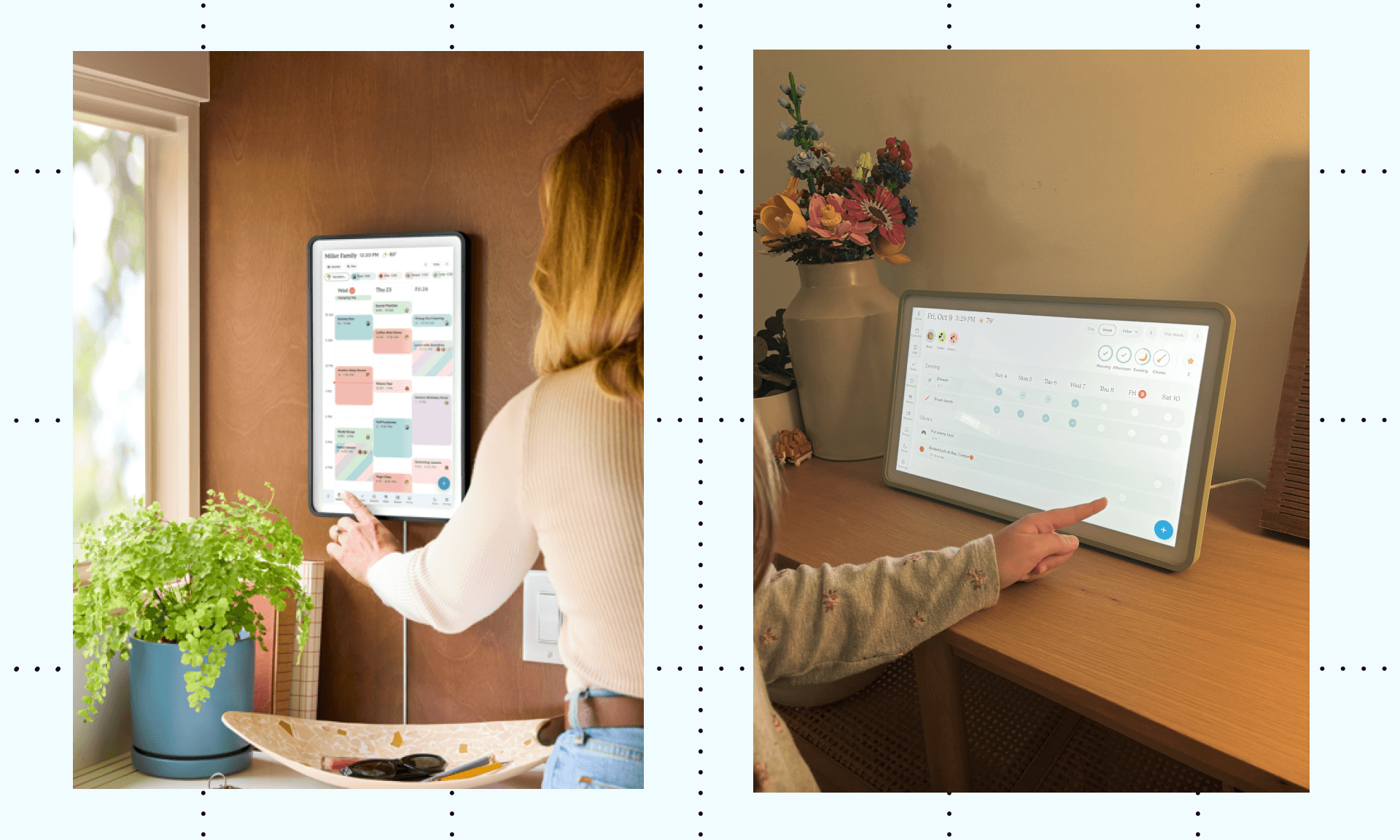
Calendar system. Work calendars, personal calendars, my daughter's calendar, and our joint family calendar all show up in one place. My daughter can see her week without a phone, which I love.
Design. It looks sleek and honestly really nice on its own, but you can swap out the frames depending on your mood or where it sits. (You can mount it, but ours stays on a table.) The shadow box looks great in the kitchen, and the Sage color works well in our living/dining room.
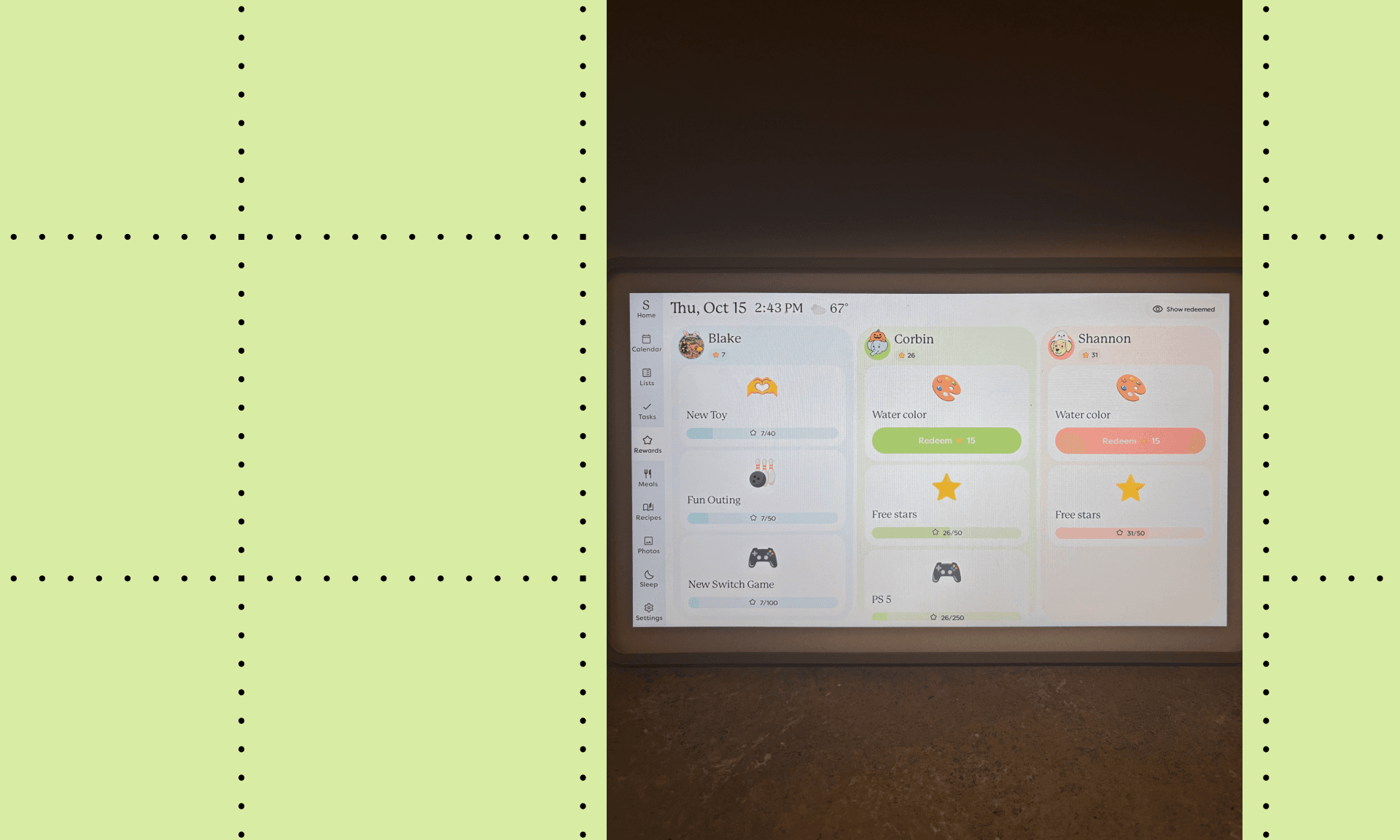
Rewards. This is my favorite part. “Rewards” (like a new toy or video game) are tied to chores and routines, so my daughter has clear goals. She knows she can redeem them if she sticks with it, so with this calendar, she's actually excited to do her chores.
Mental load. I can confirm this calendar makes me less stressed and overwhelmed. Everyone in my family sees the same week at a glance. Every morning, we spend two minutes to cover each of our days, covering both our individual and joint activities, so the day's expectations are set before we leave.
Multiple views. I love that I can swap between a weekly or monthly view. I’m also able to zoom into the day’s calendar to check off tasks and other calendar items as needed.
Plus Plan Test Results...
Recipes and shopping list. Since I meal prep every Sunday, I used to track our recipes in a spreadsheet. Now, I add the week's meals to the Skylight, so I can grab recipes easily and everyone can see the options before I head to the grocery store. Ingredients can go straight to a shopping list connected to Instacart for delivery, if that’s more your thing. I loved having the week’s menu, recipes, and shopping lists all in one place.
Magic Import. This is one of the plan’s standout features. I can forward or upload a photo of a school events calendar or sports schedule, and it adds everything into the calendar at once. No more entering events one by one.
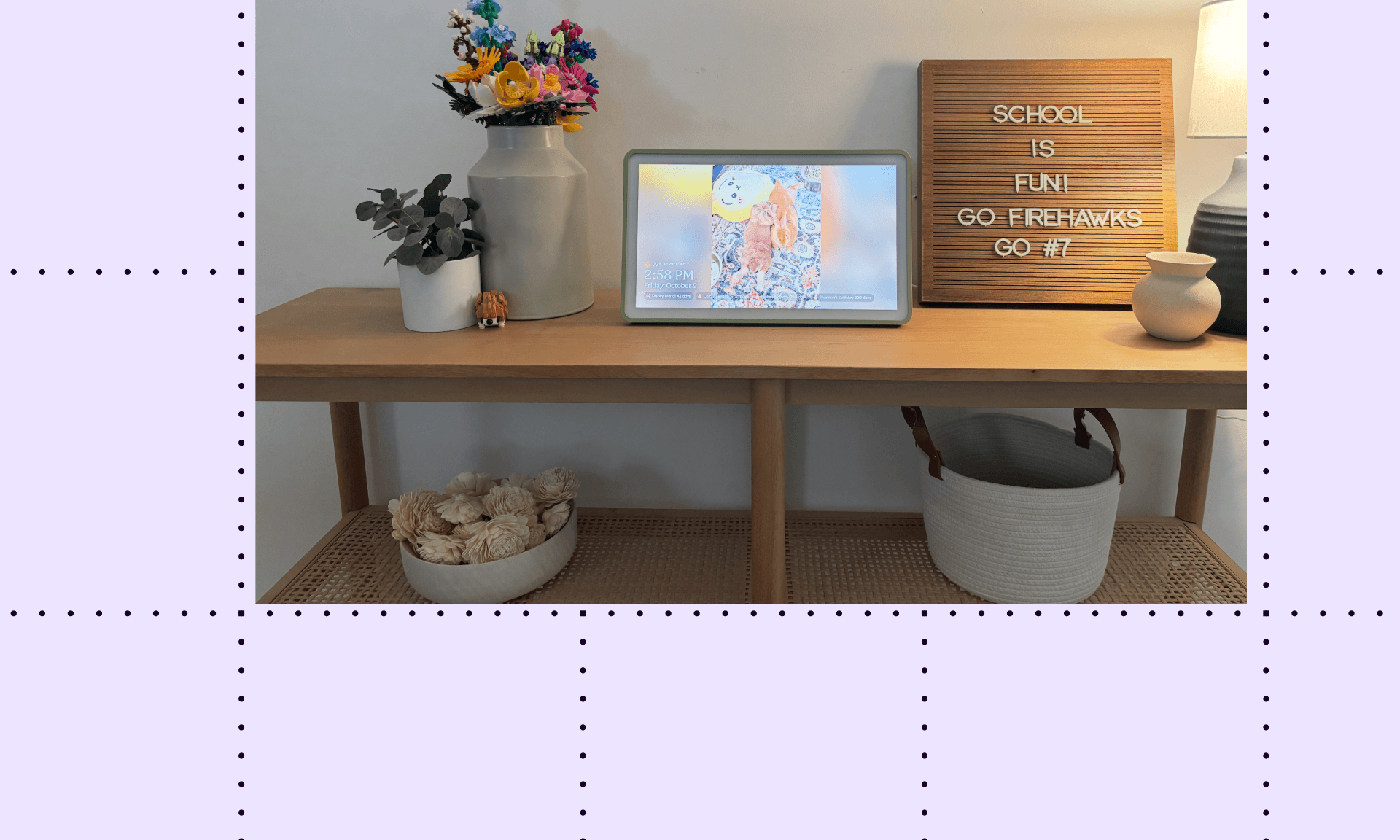
Photo screensaver. My daughter is artsy and loves adding her own pictures. This is more of an aesthetic feature, but I love it just the same.
Sidenotes...
Pricing: The calendar isn't cheap, and the Plus plan adds $79 a year. However, after this test, I can say it was well worth it for me. Simply having the recipes in one place instead of my spreadsheet, plus the Magic Import feature, covers the cost for me. If you’re not convinced, you can choose to purchase the calendar without the plan, with payment options available through Shop.
Frames: You can pick between Classic, Wood, Shadow Box, and a magnetic Snap Frame, so you can switch up the calendar’s look from time to time. I went with Classic Sage.
Returns and warranty: Skylight offers a full refund within four months of purchase and will ship you a replacement within the first three years.
Setup: While the calendar does not have a battery, it does require Wi-Fi and works by plugging into a wall outlet, which might dictate where you place it.
The Fine Details...
The Skylight Calendar 2 - 15" ($319.99 with plan)
Plus plan ($79/year)